Trying to figure out how to type the trademark symbol can feel way more annoying than it should. You just want to add a small symbol next to a name or logo, but suddenly you are stuck testing random keys, searching menus, and wondering why something so simple feels confusing.
This blog will walk you through the easiest ways to do it on different devices and programs without making it complicated. You’ll learn the shortcuts, where to find the symbol, and when to use it, so you can stop guessing and get it done fast.
How To Insert the Trademark Symbol in Microsoft Word, on a Mac, and on a Mobile Device
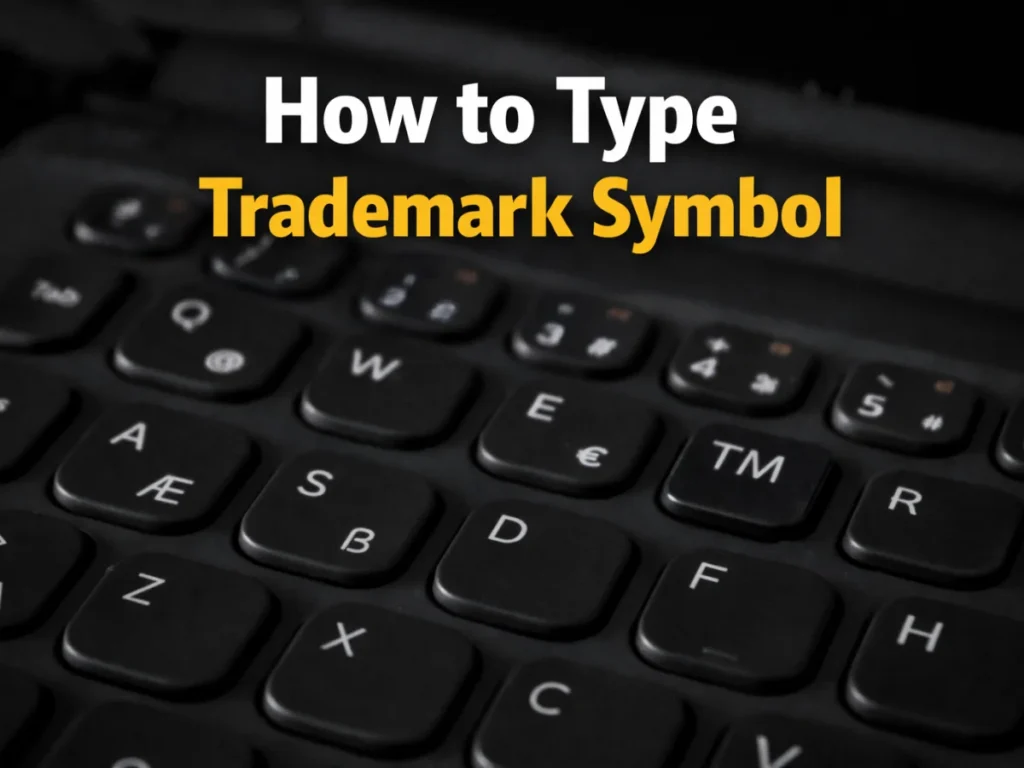
In Microsoft Word on a PC, open your document, choose the place where you want the Trademark Symbol, then Insert it from the Advanced Symbols library tab or use the Alt key with 0153. You can also double-click the symbol, include it in AutoCorrect, and replace it regularly when you type in a page or other text area.
On a Mac, the fastest keyboard shortcut is Option + 2, and it works in many applications like Pages, Notes, Google Docs, and even a document editor where the Character Viewer, Emoji & Symbols, or Edit menu search section can help you find the mark next to a musical note, ampersand, percentage sign, or other icons. You can highlight and drag it if needed. On a Mobile Device, typing on iOS, Android, or iPhone is easy through the emoji or symbol area. Tap the wide-grinning smiley face, use the bar to search, then click or tap the mark from the numbers and symbols area and write it into your text.
How To type ™, ®, ©, TM, R, and C in text and why people use them
When I want to use these marks in my text, do it by copy and paste, or by a shortcut. The ™ mark is often shown as TM, the ® mark may be called R, and © is often described as C for copyright. On Windows, people often use 0, 1, 7, 4 for registered marks and ALT+0153 for ™, while ALT+0169 gives ©. On MacBooks, some users press and hold keys, while others use the symbol viewer.
Awesome, now you can get these marks quickly. Great question: When you have these marks printed, why need them? They help inform others about a mark, rights, and possible protection for services or physical products in different countries such as the USA, UK, New Zealand, Australia, and Canada. The SM mark is used for service marks, and common law rights may exist even before something is officially protected. Still, misuse can create issues because one symbol does not always protect your rights or automatically grant them in all 180 places around the world, and there is no single rule that works everywhere.
Can you use trademark symbols anywhere, and where should you place them
You Can not use them anywhere without care. In some cases, a person may be sued for a false claim if they use a mark they only wish to own in a country where the practice is non-regulated or confusing. Some unregistered trademarks can still exist, but using the wrong symbol may confuse customers. If you want to know about trademarks, it is important to understand that saying something is 99% or 100% protected when it is not pending, published, or applied for can be risky. Phrases like reserved, all rights reserved, or a symbol used in the wrong way may even be considered illegal or a serious crime in some places.
Registered rights, foreign rules, and what happens in the US and abroad
If a mark is registered in China, or in any country abroad, that does not always mean it works in the US because trademark law is often territorial. The mark can be protected only in the place where you apply or register it. The symbol should not become a part of the logo itself when filing, because you may need to delete it during applying if it is treated as unregistrable matter.
You also do not get an exclusive right in the symbol itself. For copyright, adding a name, date, and notice of ownership can help show creation, but it is not always required. Several decades ago, older Rules made notice more important, but today protection is often granted automatically when a work is created as property for the author’s entire life plus 70 years. A free photo of a dog taken on an X phone is still protected after it is finished. If you don’t use the © symbol, you usually will not lose protection because it is not obligatory for most modern creations.
Useful shortcuts, symbol choices, and filing mistakes to avoid
In an email message, you can open the immediate symbol list, choose More, and choose the correct mark. In some apps, Ctrl+Alt+T inserts TM and Ctrl+Alt+R inserts ®, while (c) in parentheses may trigger changes into the respective symbol. Use the right one carefully. A prospective brand for goods, such as books, clothing, or rugs, may use TM, while a Service business like accounting, bookkeeping, legal, or personal training may use SM. In a Use-in-Commerce filing before the USPTO, the designated goods and services in the United States matter, and adding the wrong symbol can be redundant or harmful.
The Circle R is for an official federal registration and can cause a violation of federal law if used too early. An application may be rejected after the office gives constructive notice that the mark drawing or specimen has a problem. From an aesthetic view, many brands like a small superscript symbol. Basic steps include choosing a slogan or brand that is distinct, checking availability, selecting the right Filing-Basis, filing the application under 1(a) or 1(b), naming the Intent-to-Use, selecting the Class, listing Goods/Services, uploading a banner or Specimen, giving the First use date, and paying Government Filing Fees such as $250.00 or $350.00 Per class.
How symbols appear, what examiners check, and why proper use matters
The symbol can appear in regular or sized typography, usually placed immediately next to the word. Some prefer a smaller and different font to generate a neat look. On a phone or computer, you may hit enter after typing tm and the user interface may change it. On a computer, the letter combination can appear automatically. A common mistake by applicants is adding ® to the drawing, which makes those components improper and may lead to an office action saying the filing violated rules.
The application may be denied until the receipt is corrected after review by an examining attorney. If a submitted drawing includes the symbol as a portion of the mark, the office checks its records for acceptability under TMEP 906.03 and 906.04 to decide which one is proper for a mark that has been filed.
Improper use can look deliberate, meant to deceive or mislead the public, and even support a finding of fraud in cases like Copelands’ Enters, Inc, CNV, 945 F.2d 1563, 20 USPQ2d 1295, Fed Cir, 1991, or Wells Fargo Co, Lundeen & Assocs, 1156, TTAB. Because this matter can become serious, an internal Report may reach the managing Administrator for Trademark Policy and Procedure, the Commissioner, or other officials under 720. So do not commit misuse.
Foreign countries, legal differences, and what to do if someone copies your mark
In many foreign systems, trademark practice is shaped by the rules that govern each part of the world. A symbol can alert others to proprietary rights, but it may not always designate full registration in the same way for every applicant or specimens review. The appropriate rule may differ in Belgium, the People’s Republic of China, Costa Rica, Denmark, Ecuador, Germany, Guatemala, Hungary, Luxembourg, Netherlands, Nicaragua, Poland, or Sweden.
Rights outside the US are not always universal or federally governed on the same basis. Different Jurisdictions give supreme importance to local practices and standards. In some places, TM is seen as an artifact of the English common law system and may be less recognized in European markets, so always follow local stipulations for the specific place where you are selling a product.
The safe side is always caution. If someone asks what to do about infringement, start by checking whether a competitor is using a sufficiently similar mark in the sale of goods or technology. For example, a phone company selling phones under ALPPLE may create confusion with Apple. In that case, a cease and desist letter can be sent to the infringer.
Digital codes, HTML references, and extra ways to type the symbol
You can also use a code on a computing device with a touchpad, shortcuts, or other input methods. Many coding tools insert the mark digitally. In WINDOWS, people use 8482 or 2122 methods, while on Mac they may use OPT shortcuts. In HTML, the ENTITY NAMED REFERENCE &TRADE points to the mark, and in UNICODE the POINT is U+2122.
These tools are useful when text is already copyrighted or when the symbol must be inserted after the design is finished. Using the wrong mark can still be incorrect, look boring, or make a brand look careless if you sell only services but use the wrong product-based symbol.
FAQS
How to do the TM symbol on a keyboard?
To insert a trademark symbol, I usually tell people to keep it simple and remember the shortcut first. On many systems, you press Ctrl+Alt+T for the trademark symbol, Ctrl+Alt+R for the registered trademark symbol, and Alt+0169 for the copyright symbol. These symbols are small, but they matter when you want clean and professional text.
How do I insert an R symbol?
On Windows, the easiest way of inserting ® is to first choose the spot by clicking where you want it to go. Then, while working on your PC, do it by simultaneously pressing Ctrl, Alt, and R.